
DFK-05 Digital Asymmetry Phase Failure Relay(3 * 380V Non-Neutral)
Product details
| Management number | 250054914 | Release Date | 2026/09/17 | List Price | US$22.36 | Model Number | 250054914 | ||
|---|---|---|---|---|---|---|---|---|---|
| Category | |||||||||
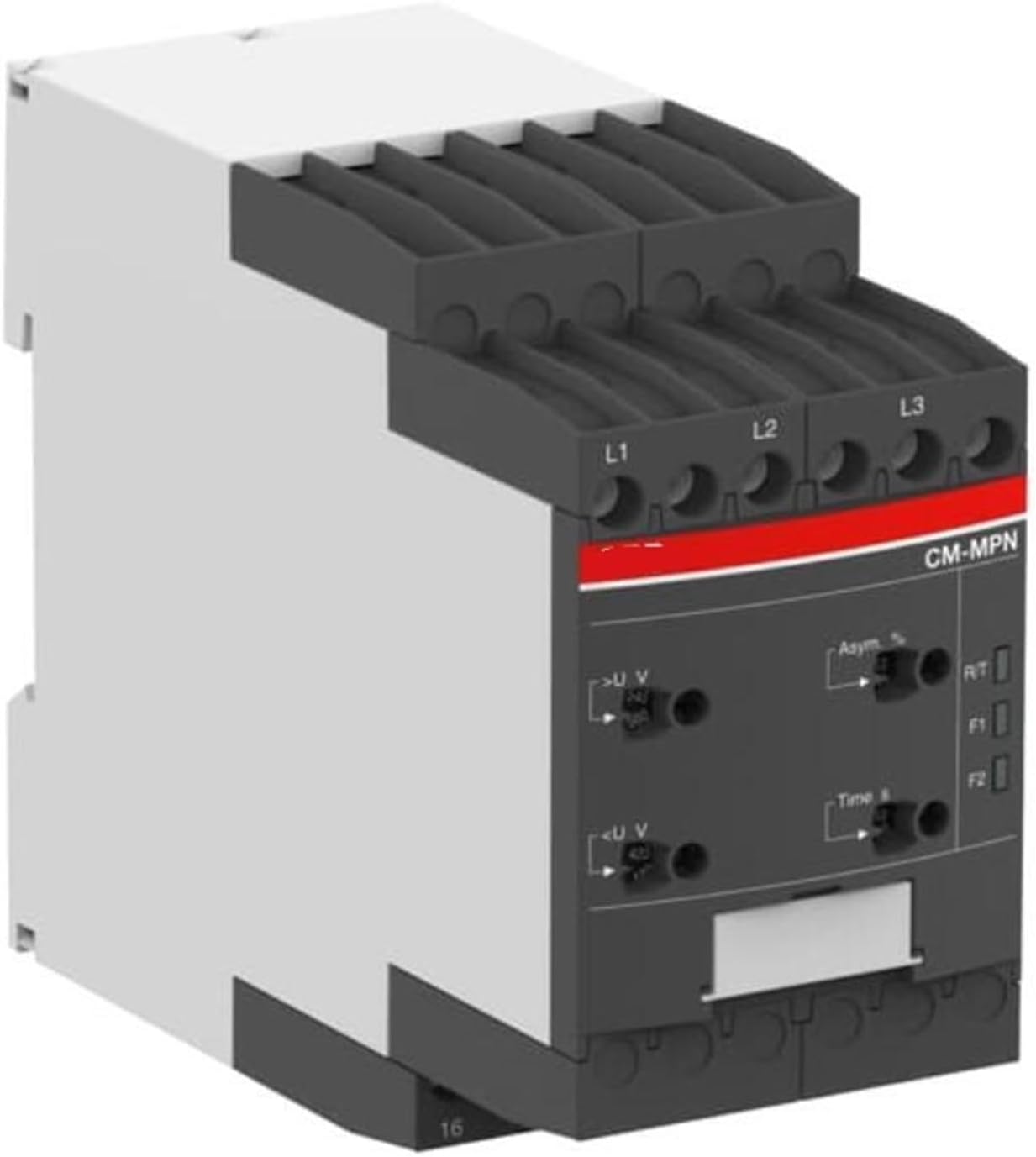
Phase Monitoring RelaysGeneralDFK-05 asymmetry phase failure and protection relays are designed to prevent the failures originated from motor heats and 3 phases loads..Usage and Working PrinciplePlease connect the device according to the schema as shown.To adjust the Asymmetry set value: While looking at the display which is located on the left side, please adjust the (Asm%) button as requested.When the user moves the button the values are going to be seen on the screen.To adjust the waiting time: Please move the (t) button while looking at the display which located on the left side. The values which has adjustedcan be seen on the left side on the display. After 4sec.that you stop moving the button voltage values can be seen on the displays.When the device is loaded with energy the set values can be seen and after 2 sec. Voltage values can be seen accordingly. When voltage valuesbetween phases 180V and 460V, if the difference between voltages are lower than adjusted relay LED turns on and contact output (NO)3.ower than adjusted relay LED turns on and contact output (NO)3. If any of the phase sequence voltage values descend under 180V orincrease up to 460V voltage error led turns on and after 2 sec. later relay led turns off and contact out put assigns to (NC)1. When the voltages turnsinto the normal values waiting time counts according to (t) and voltage failure led turns off and contact output becomes (NC)3. If the difference between voltages are over than the asymmetry set value, asymmetry failure led turns on (Asm Err), it counts as the setted waiting time. Relay led turns off and contact out put becomes (NC) 1. If Difference between voltages descendunder setted value, asymmetry failure led turns off, it counts the waiting time, after the waiting time is up relay led turns on and the contact out put becomes (NO) 3.Asymmetry Calculation: Asymmetry set value Phase-Phase ( MAX FF ) between minimum phase phase ( Min-FF ) adjusts the difference..( Asymmetry set value = (( MAXFF - MinFF) x100/ 380MaintenanceSwitch off the device and release from connections. Clean the trunk of device with a swab. Don't use any conductor or chemicalmight damage the device. Make sure device works after cleaningWarningsPlease use the device according to the manual.Don't use the device in wet.Include a switch and circuit breaker in the assembly.Put the switch and circuit breaker nearby the device, operator caneasily.Mark the switch and circuit breaker as releasing connection for device.SpecificationsOperating Voltage(Un)....: 3 x 380V ACOperating Frequency.......: 50/60 Hz.Operating Range.......: Phase-Phase (170V - 470V)<;6VAOperating Temperature..: -20°C.....+55°CAsymmetry Set................: %5 - %25Waiting (t).......................: 0,1sec - 10sec.Display..................: 3x 3digit 9mm display and ledsMeasurement Precision...: ±%1Connection Type..............: Terminal connectionContact....................:5A/250V AC (Resistive Load)Cable Diameter.................: 2,5mm²Weight................................: Max. 220gr.Mounting...........................: Vertical assembled in the panel or assembled on the din rail<;2000meterDimensionsConnection diagram
- Phase Monitoring Relays
- DFK-05 Digital Asymmetry Phase Failure Relay(3*380V Non-Neutral)
| ASIN | B0HGR5QZ8V |
|---|---|
| Model | TGVNUFDEK |
| Brand Name | TGVNUFDEK |
| Part Number | TGVNUFDEK |
| Manufacturer | TGVNUFDEK |
| Number of Items | 1 |
Bestseller ranking
Sifters


Customers who viewed this product also viewed
Phase Monitoring Relays


Correction of product information
If you notice any omissions or errors in the product information on this page, please use the correction request form below.
Correction Request Form